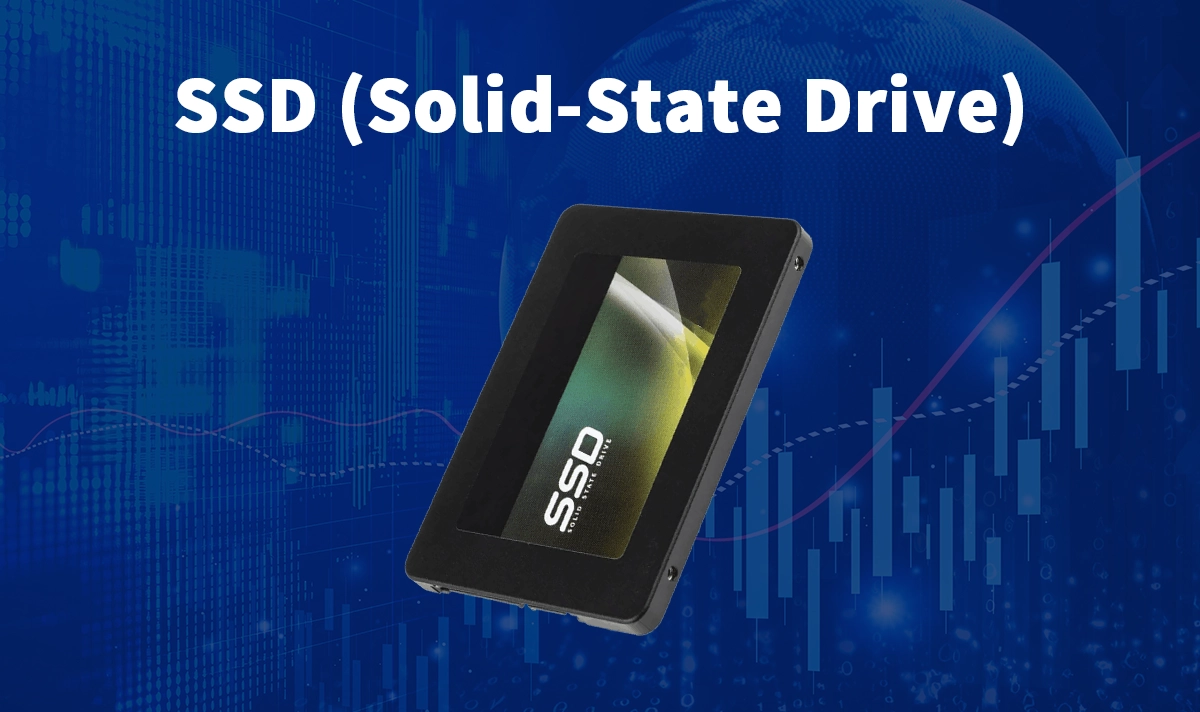
How SSDs Changed the Performance Equation
The single hardware upgrade that has produced the most dramatic real-world performance improvement for the most computers over the past fifteen years is the replacement of spinning hard disk drives (HDDs) with solid state drives (SSDs). The performance difference is not incremental — it is transformational. The computer that boots in two minutes with a hard drive boots in fifteen seconds with an SSD. The application that takes thirty seconds to launch opens in three. The file that takes a minute to copy moves in seconds. These improvements are felt in every interaction with the computer because storage access is the bottleneck for the overwhelming majority of the latency that users experience in routine computing tasks.
The physical reason for the HDD-to-SSD performance gap is structural: the hard disk drive stores data magnetically on spinning platters and reads it by positioning a mechanical read head over the correct location on the platter — a process that takes several milliseconds for each data access. The solid state drive stores data electronically in flash memory and reads it by sending an electrical signal through semiconductor circuitry — a process that takes microseconds. The SSD is not just faster; it is several orders of magnitude faster for the random access patterns that characterise operating system activity and application loading, where data is scattered across many small locations rather than stored contiguously.
NAND Flash Types: How SSD Quality Varies
The NAND flash memory that stores data in SSDs comes in several variants that differ in how many bits are stored per memory cell, with significant implications for the drive’s performance, endurance, and cost. Single-level cell (SLC) NAND stores one bit per cell, providing the fastest write speeds and the highest endurance (measured in program/erase cycles before the cell degrades) at the highest cost — typically used in enterprise SSDs where endurance and performance outweigh cost. Multi-level cell (MLC) stores two bits per cell, providing excellent performance and good endurance at moderate cost. Triple-level cell (TLC) stores three bits per cell and is the dominant NAND type in consumer SSDs, providing a good balance of cost and performance. Quad-level cell (QLC) stores four bits per cell, offering the lowest cost per gigabyte at the expense of lower write endurance and slower write speeds.
The SSD specification that most reflects the underlying NAND type in practice: the drive’s TBW (terabytes written) rating, which specifies the total amount of data that can be written to the drive over its lifetime before the flash cells are expected to degrade. A consumer TLC drive might be rated for 300 to 600 TBW; an enterprise MLC drive for several thousand TBW. For typical consumer workloads (writing 50 to 100 GB per day), even a modestly rated consumer SSD will exceed the computer’s useful life before reaching its TBW limit — making TBW a relevant concern primarily for workloads involving extremely intensive sustained writes.
SATA vs NVMe: Understanding Interface Performance
The SSD interface — the connection between the drive and the computer’s motherboard — determines the maximum data transfer rate available to the storage system, and the difference between the common interfaces is significant. SATA (Serial ATA), the interface used for traditional hard drives and adopted for early SSDs, has a maximum theoretical throughput of approximately 600 MB/s and is widely available in laptops and desktops of all ages. NVMe (Non-Volatile Memory Express), the interface designed specifically for flash storage, connects the SSD directly to the CPU via PCIe lanes rather than through the SATA controller, providing theoretical throughputs of 3,500 MB/s (PCIe 3.0) to 7,000 MB/s (PCIe 4.0) and 12,000 MB/s (PCIe 5.0).
The real-world performance difference between SATA and NVMe SSDs that most consumers care about: for typical consumer workloads involving booting, application loading, and file operations, the difference between a good SATA SSD and a mid-range NVMe SSD is often imperceptible in daily use. The SATA SSD is already dramatically faster than any HDD for these workloads, and the additional NVMe throughput is only fully utilised when transferring very large files or performing operations that sustain high sequential throughput for extended periods. The workloads where NVMe’s advantage is clearly felt: video editing with 4K or higher resolution footage, large database operations, software compilation of large codebases, and any scenario involving sustained large sequential read or write operations.
Choosing the Right SSD for Your Needs
The SSD selection criteria that most efficiently guide purchasing decisions: form factor compatibility (M.2 NVMe SSDs fit in the M.2 slot available in most modern laptops and desktops; 2.5-inch SATA SSDs fit in the drive bay available in older systems or desktop systems with multiple drive bays — verifying which form factor the system accepts before purchasing avoids the most common SSD purchase mistake), capacity (the right capacity is the one that comfortably fits the operating system, applications, and working files without requiring constant management — 500 GB is the minimum practical size for a primary drive in 2025, with 1 TB or 2 TB providing comfortable headroom for most users), and reliability track record (SSD failure rates vary by manufacturer and model — consulting independent reliability databases like Backblaze’s annual drive statistics report provides more reliable guidance than manufacturer marketing claims).
The SSD performance specification that most frequently misleads consumers: the peak sequential read and write speeds printed on the product packaging. These speeds represent the maximum throughput achieved under ideal conditions — large sequential transfers to and from an empty drive at a specific temperature and voltage. Real-world mixed workloads, which involve a combination of sequential and random access patterns, achieve speeds that may be significantly lower than the peak specification. The random 4K read and write IOPS (input/output operations per second) specifications are more representative of the performance users actually experience in operating system and application workloads — and comparing these alongside the sequential specifications provides a more complete picture of real-world performance.
SSD Maintenance and Longevity
The SSD maintenance practices that most extend drive life and maintain performance: keeping the drive from filling to capacity (SSDs slow down significantly when nearly full because the controller has fewer free cells available for write operations — maintaining at least 10 to 20% free space allows the controller to perform garbage collection and wear levelling effectively), ensuring that the TRIM command is enabled (which allows the operating system to inform the SSD of deleted data blocks, enabling the controller to proactively prepare those blocks for new writes and maintaining write performance over the drive’s lifetime), and keeping the drive firmware updated (SSD firmware updates often include performance improvements and reliability fixes that are worth applying).
The SSD backup discipline that most protects against data loss: treating SSDs as no more reliable than the hard drives they replaced, despite the common misconception that SSDs are immune to failure. SSDs fail differently from hard drives — they are less susceptible to physical shock and vibration (having no moving parts) but can fail suddenly without the gradual degradation warning signs that hard drives often provide. The SSD that fails catastrophically does not provide the warning of increasing read errors and slower performance that a failing hard drive typically produces. The backup practice for SSD storage should be the same as for any storage: regular, tested backups to a separate storage location that would survive the primary drive’s failure.